Google Drive
Overview
Google Drive helps you create and manage documents, spreadsheets, presentations, surveys and more. With the Google Drive integration in Notion, you can share your work easily and access your documents in one place.
How to use
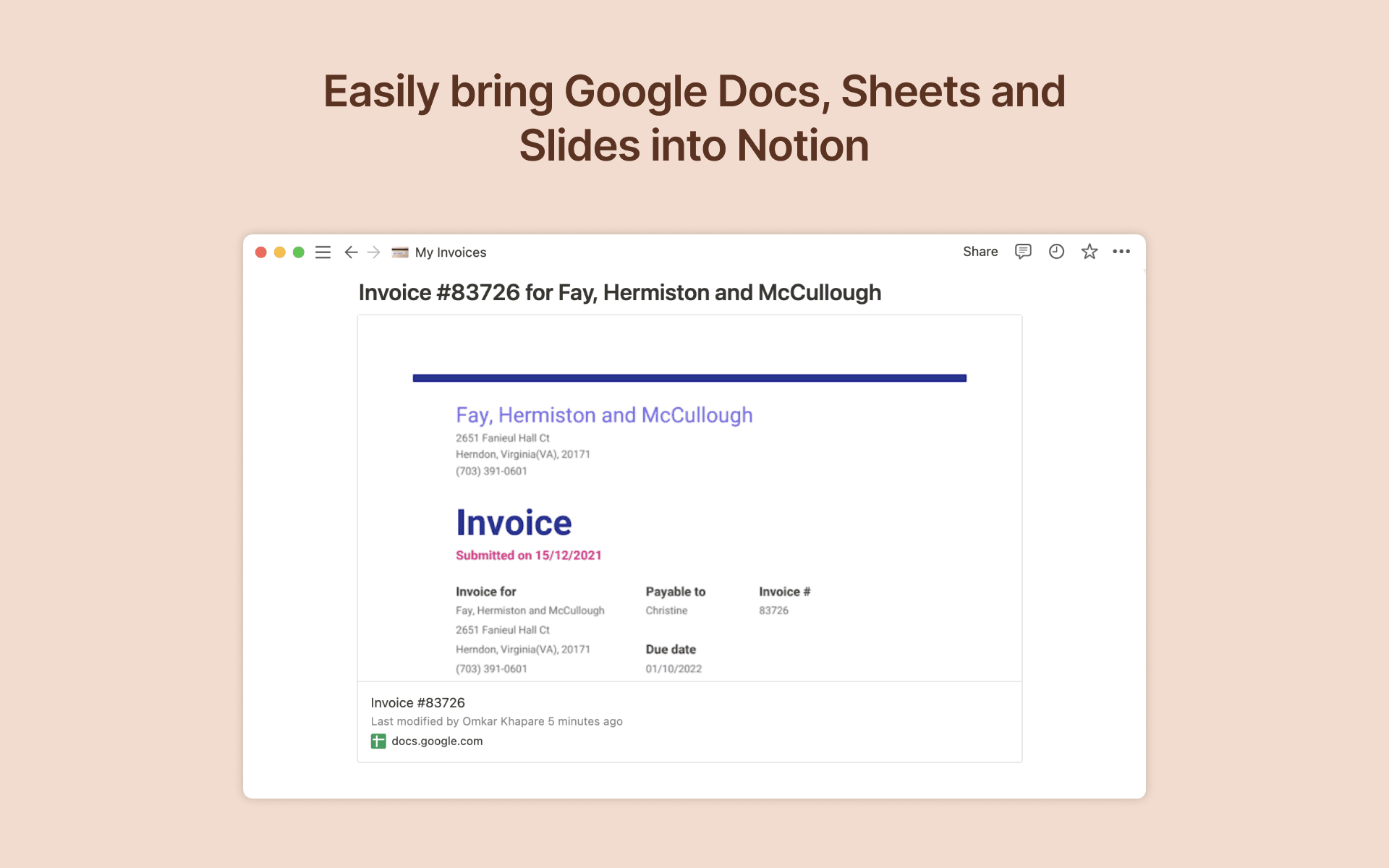
To create a preview of a Google Drive file in Notion, paste any Google Drive link into Notion, then select
Paste as preview. You can also type/googlein any Notion page and a menu will appear, allowing you to paste links and browse your Google Drive files directly from Notion. If it’s your first time using Google Drive with Notion, you will be prompted to authorize the integration. Follow the prompts to complete the authorization process. Once authorized, you will see a detailed preview of the linked contentTo link Google Drive files to items in your Notion database, just add add a new property to your Notion database by using the
+button at the top right and selectingGoogle Drive File
- 製作者:
- Notion
- 類別
- 檔案管理
- 功能
- 連結預覽
更多整合
Brandseal
Automated email signature setup for fast-growing teams
Profit.co OKR for KPI
Connect your Profit account with Notion Integration
Orbiq
Your Trust Center for B2B deals
SavePortals
Give filtered, secure access to your Notion workspace (role level permissions)
Skyvia
Connect Notion with 200+ apps using no-code integration.
Front
Connect your team's Notion workspace to Front AI and enhance customer communication with knowledge-powered responses